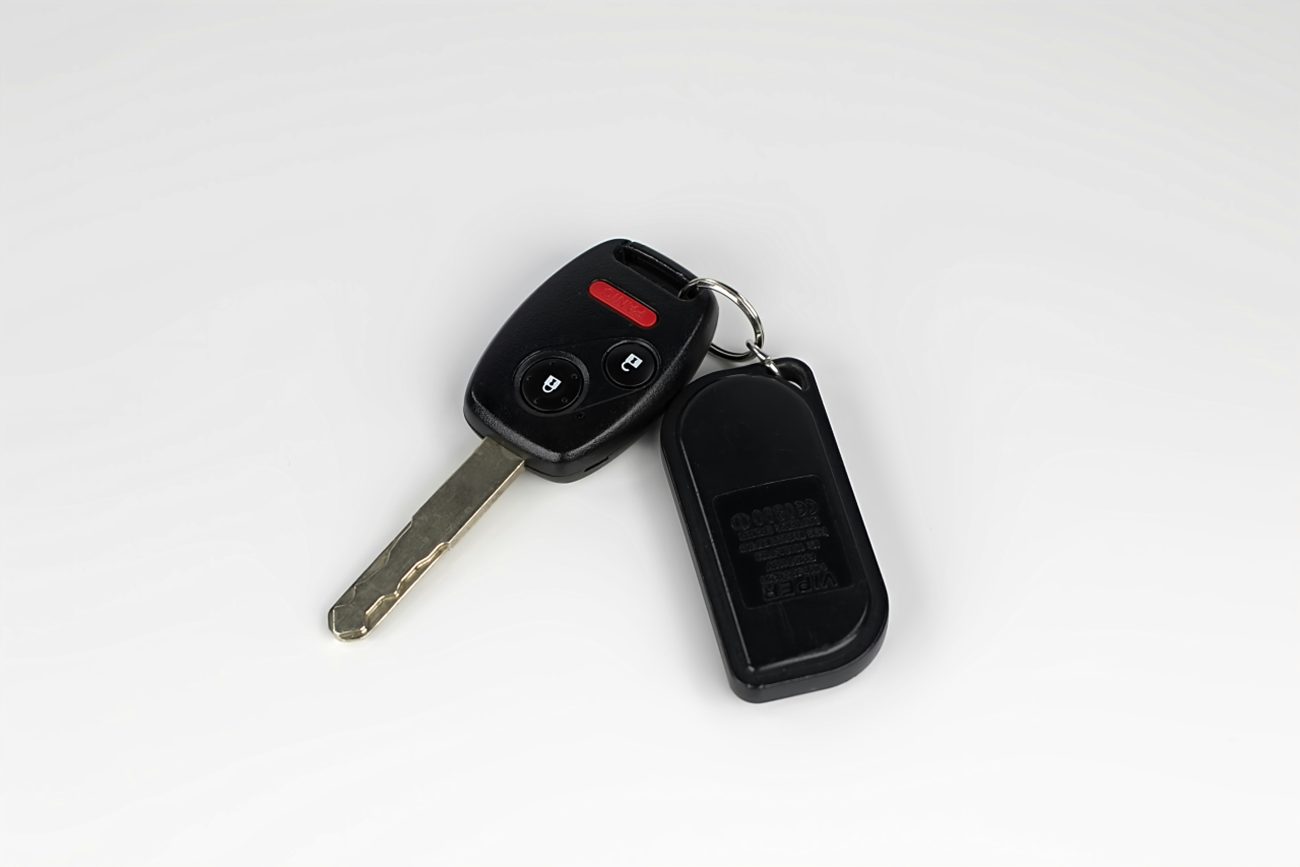
Fortunately, replacing it is often a simple and inexpensive repair.
Many key fobs use small coin-cell batteries, including CR2032 or CR2025 types.
But don’t assume your remote uses either one.
The correct battery depends on the key fob design.
Before buying a replacement, check the number printed on the existing battery or consult the owner’s manual.
<AsyncImageGroup query={[“CR2032 coin cell battery next to opened car key fob on clean table close up”,”hands replacing coin cell battery inside car key fob step by step close up”]} aspectRatio=”5:4″ layout=”carousel”/>
When replacing the battery, follow these steps:
- Locate the seam or battery compartment on your key fob.
- Open the casing carefully using the method recommended by the manufacturer.
- Note which direction the original battery faces.
- Remove the old battery and insert the correct replacement.
- Reassemble the fob and test the lock and unlock buttons.
Avoid forcing the plastic casing apart.
Some remotes have delicate clips that can break if too much pressure is applied.
Also, make sure the replacement battery is installed with the correct polarity.
If the key fob still doesn’t work, check whether the battery contacts are clean and properly positioned.
Some vehicles may require additional synchronization or programming, although many key fobs work immediately after a battery replacement.
If you’re unsure, consult a qualified automotive locksmith or dealership.
Safety reminder: Coin-cell batteries can cause severe internal injuries if swallowed. Keep new and used batteries away from children and pets, and dispose of used batteries properly.
4. Check Whether Your Smartphone Can Unlock the Car
If you own a newer vehicle, your smartphone might provide another way to access it.
Some manufacturers offer connected vehicle apps or digital key systems.
Depending on the model and available features, these services may allow you to lock or unlock doors, check vehicle information, or perform certain remote functions.
<AsyncImageGroup query={[“smartphone car manufacturer app showing remote lock unlock vehicle screen close up”,”person using smartphone digital car key near modern vehicle door handle”]} aspectRatio=”5:4″ layout=”carousel”/>
However, there are several important limitations.
First, the feature usually needs to be set up before your key fob stops working.
You may need an active account, a compatible vehicle, and an authorized smartphone.
Some connected services also require a subscription or network connection.
Second, unlocking a car with an app doesn’t necessarily mean you can drive it.
Remote unlocking, remote engine start, and digital key authorization are separate capabilities.
For example, a vehicle may allow you to unlock the doors remotely while still requiring a recognized key to drive.
If your car supports a digital key, consider setting it up before an emergency.
It can be a useful backup, but it shouldn’t be your only way to access your vehicle.
5. Know When to Call Roadside Assistance
Sometimes the problem isn’t the key fob battery.
If you’ve tried the appropriate backup methods and the vehicle still won’t respond, another issue may be involved.
Possible causes include a damaged remote, a depleted car battery, an electronic receiver problem, or a fault in the vehicle’s locking or starting system.
Water damage can also affect key fobs.
If your remote was recently dropped, exposed to moisture, or physically damaged, replacing the coin-cell battery might not solve the problem.
Before calling for help, consider whether you have a spare key.
If the spare works normally, that may suggest the original fob needs attention.
If neither key works, the vehicle itself may need to be checked.
Your auto insurance policy, automobile club membership, or manufacturer roadside assistance program may provide lockout support.
A qualified automotive locksmith may also be able to diagnose or replace certain keys.
