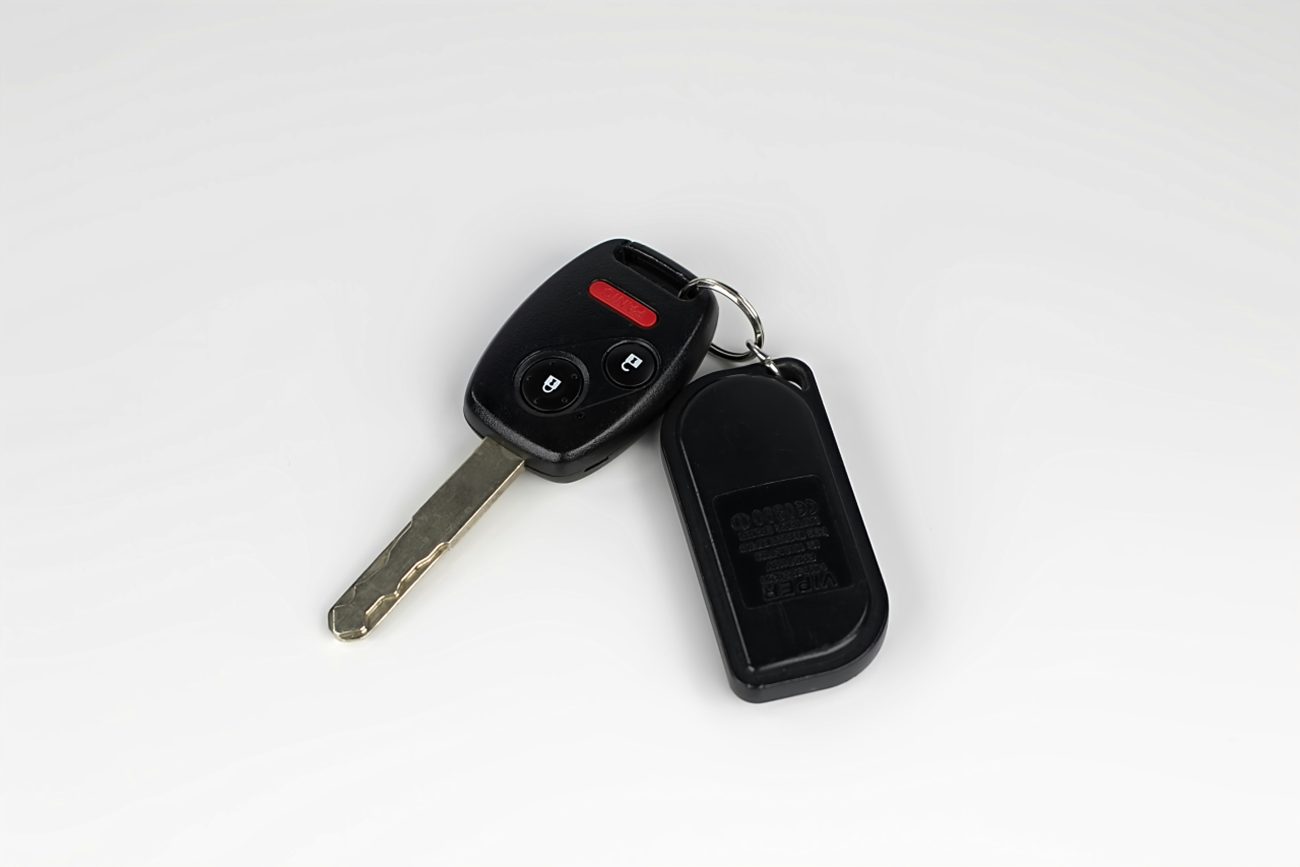
Car Key Fob Not Working? Try These 5 Simple Tricks Before Calling for Help
You’re standing in a parking lot, pressing the unlock button on your car key fob, but nothing happens.
You try again.
Still nothing.
Maybe the doors won’t unlock. Maybe you’ve managed to get inside, but your car displays a frustrating “Key Not Detected” message when you try to start the engine.
Before you panic or pay for an expensive replacement, there’s something worth knowing: a dead key fob battery doesn’t always mean you can’t unlock or start your car.
Many modern vehicles have backup features specifically designed for situations like this. Some are so well hidden that owners never discover them until they’re stranded.
Here are five practical things to try when your key fob suddenly stops working.
1. Find the Hidden Mechanical Key Inside Your Fob
One of the most useful features of many modern key fobs is also one of the easiest to overlook.
Even if your vehicle uses keyless entry and push-button ignition, your remote may contain a traditional metal key.
Manufacturers include this emergency key so you can access your vehicle when the electronic remote stops responding.
Look closely at your key fob.
You may notice a small release button, sliding latch, or switch along the side or back.
Press or slide the release mechanism, and the metal key should come out.
<AsyncImageGroup query={[“car smart key fob with hidden emergency metal mechanical key blade pulled out close up”,”car door handle hidden mechanical keyhole cover emergency access”]} aspectRatio=”5:4″ layout=”carousel”/>
Once you’ve removed the key, check your driver’s door handle.
Some vehicles have an obvious keyhole.
Others hide the lock cylinder beneath a small removable plastic cover.
Your owner’s manual should explain how to remove the cover without damaging it.
Insert the mechanical key and turn it according to your vehicle’s instructions.
The door may unlock even though the remote battery is completely dead.
One important detail: if the vehicle’s alarm sounds after you open the door manually, that doesn’t necessarily mean anything is wrong. Some security systems react this way until the vehicle recognizes the authorized key.
Remember: The hidden key can provide access to the cabin, but it doesn’t automatically solve a dead vehicle battery or other electrical failure.
2. Try the Emergency Starting Method
You’ve managed to unlock the door, but now the engine won’t start.
The dashboard displays “Key Not Detected,” or the start button doesn’t respond as expected.
This is where another little-known backup feature may help.
Many push-button-start vehicles have a method for detecting an authorized key fob even when its internal battery is weak or depleted.
On some models, the procedure is surprisingly simple.
<AsyncImageGroup query={[“driver holding smart key fob directly against engine start stop push button car interior”,”car center console key fob emergency backup detection location close up”]} aspectRatio=”5:4″ layout=”carousel”/>
You may need to hold the fob directly against the engine start/stop button while pressing the brake pedal and following the normal starting procedure.
Other manufacturers use a designated backup detection area.
Depending on the vehicle, it might be located near the steering column, inside the center console, or in another marked position.
The exact procedure varies.
That’s why checking the owner’s manual is essential.
A method that works on one vehicle may not work on another, even if both use push-button ignition.
If your car supports an emergency starting procedure, learning it now could save you considerable frustration later.
However, remember that this method generally depends on the vehicle’s own electrical system being operational.
If the car battery is dead, simply holding the fob against the start button won’t restore power.
3. Replace the Key Fob Battery
A weak battery is one of the most common reasons a key fob stops responding.
